RBTV Web vs APK: Which Option Should You Use?
RBTV Web and RBTV APK are two different ways to access RBTV-related sports services. RBTV Web runs through a browser without requiring an Android package, while RBTV APK installs an application directly on a compatible Android device.
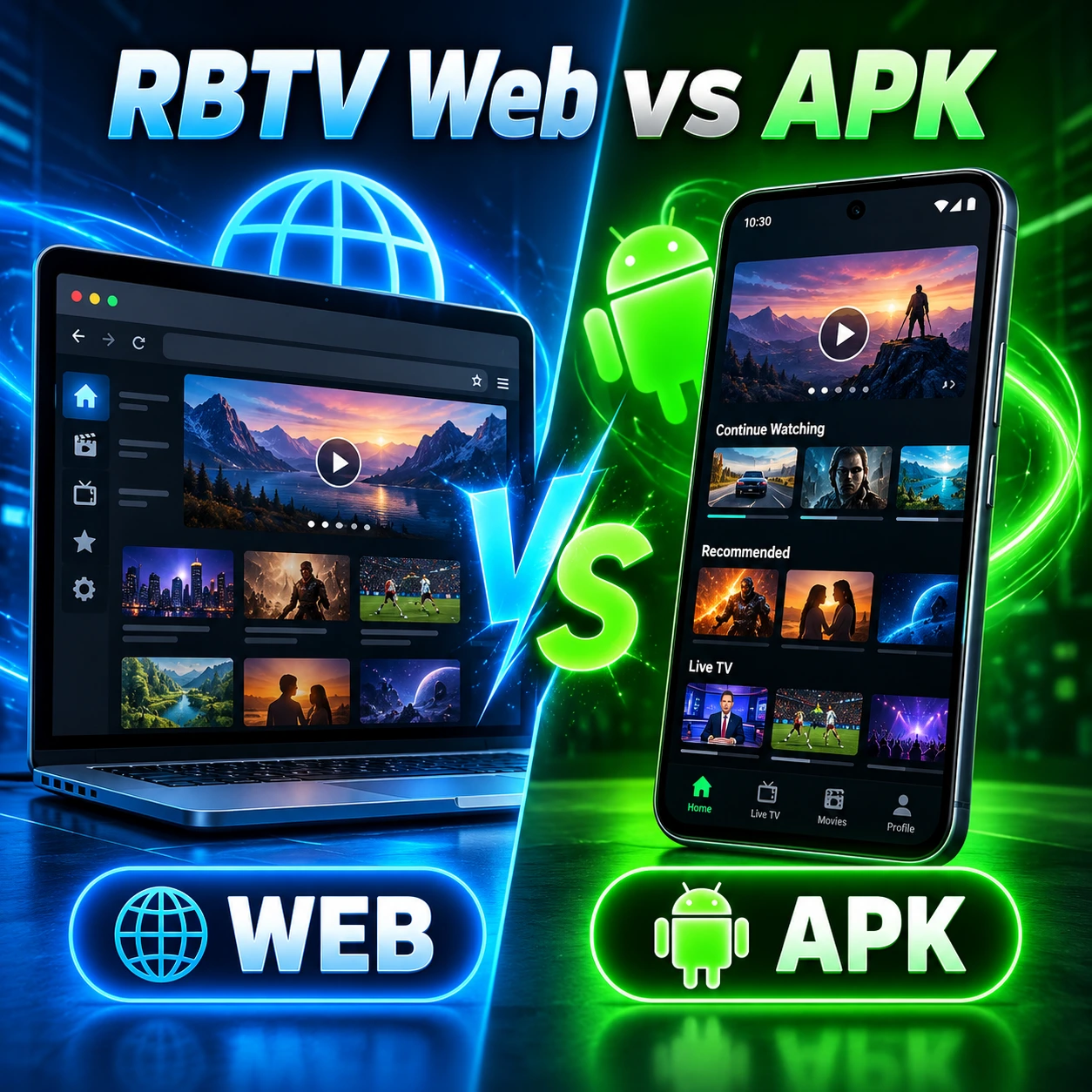
Web is generally the simpler starting point for PC, Mac, iPhone and people who only need occasional access. An installed app can be more convenient for someone who regularly uses RBTV on the same Android phone or tablet.
The exact sports features can still differ between the website and Android package. Similar RBTV branding also does not prove that a particular web service and Android app are operated by the same publisher.
RBTV Web vs APK: Quick Answer
Choose RBTV Web if you want browser access, do not want to install an Android app, use a PC or Mac, have an iPhone, or regularly switch between devices.
Choose RBTV APK if Android is your main device and you prefer opening an installed application instead of returning to a website.
Neither option is universally better. Web is usually easier for cross-device and occasional use, while the APK can be more convenient for frequent Android use.
RBTV Web vs APK at a Glance
| Factor | RBTV Web | RBTV APK |
| Installation | No APK installation | Android installation required |
| Main platform | Web browser | Android |
| Storage | Mainly browser/site data | Uses app storage |
| Permissions | Browser/site permissions | Android app permissions |
| Updates | Usually website-side | Store or package updates |
| Android | Browser where supported | Yes |
| iPhone/iPad | Browser where supported | APK unavailable |
| Windows/Mac | Direct browser access | Android environment needed |
| Smart TV | Depends on browser | Device compatibility must be verified |
| Setup | Usually simpler | Requires installation |
| Main security concern | Wrong/fake website | Wrong or modified APK |
| Best for | Cross-device or occasional access | Frequent Android use |
What Is the Difference Between RBTV Web and RBTV APK?
The main difference is how the service reaches your device.
RBTV Web is browser-based access. You open a website without installing an Android application.
RBTV APK is Android application access. An APK or related package installs software locally on a compatible Android device.
These are access methods rather than guarantees of identical features. A browser service and an RBTV-branded Android app may share similar names without being operated by the same publisher.
That means you should compare the actual website and package you intend to use rather than assuming one is simply a browser copy of the other.
Installation: Web Is Simpler, APK Requires Setup
RBTV Web is usually simpler to start using because there is no Android package to install.
Open a compatible browser and visit the intended service. If the website works on the device, no APK setup is required.
RBTV APK requires an Android installation. Before sideloading a package, check the app name, package ID, source and Android compatibility. Android may also ask you to permit installation from the browser or file manager you used to obtain the file.
The dedicated RBTV APK guide covers those steps in detail.
For someone who simply wants quick access without installing software, Web is the easier route.
Device Compatibility: Which Works on More Devices?
Browser access generally has the broader device reach, but compatibility still depends on the particular website.
Android
Android users potentially have both options.
You can use a compatible browser or install an Android app. The better choice usually depends on how frequently you access RBTV and whether you want an installed application.
iPhone and iPad
Web is the relevant option.
An Android APK cannot be installed directly on iOS or iPadOS. A compatible website can still work through Safari or another browser where the service supports it.
Windows PC and Mac
Web is normally more direct.
A browser service opens without an Android emulator or other compatibility environment. APK files are Android packages, not native Windows or macOS applications.
Android TV and Google TV
Do not assume that an APK designed for an Android phone automatically works well on Android TV.
The interface, remote-control support and device compatibility need separate verification.
Smart TV
Web access depends heavily on the television’s browser.
A simple score or schedule page may work, while more complex interfaces can be difficult to use with a remote control or an older browser engine.
Device takeaway: Web is generally the broader starting option. APK is specifically strongest where Android app compatibility is established.
Storage: Does RBTV Web or APK Use More Space?
RBTV Web generally has the smaller local-storage footprint.
A website mainly uses browser cache, cookies and other site data. An Android application installs files directly on the device and therefore requires dedicated app storage.
The exact storage difference depends on the website, browser and app version, so there is little value in inventing a fixed MB comparison.
If local storage is limited and you only check RBTV occasionally, browser access is usually the lighter option.
Permissions: Browser vs Android App
The two access methods use different permission systems.
With RBTV Web, permissions are controlled through the browser. These can include cookies, local storage, notifications and site-specific access requests.
With RBTV APK, the installed application operates under Android’s app-permission model. The permissions requested should be reviewed during installation and through Android settings.
A sports-information application should not automatically need unrelated sensitive access.
Web does not eliminate permissions, but browser controls generally keep them scoped to the website rather than an installed Android application.
Updates: RBTV Web vs APK
Web normally requires less update management.
Changes to a website are deployed by the site operator. The next time you open the service, you generally receive the current version without installing a separate update.
Android applications work differently.
Apps installed through Google Play can normally update through the store. A sideloaded APK may require you to obtain a newer compatible package yourself.
For people who do not want to manage application versions, Web has the simpler update model.
Is RBTV Web Faster Than the APK?
Neither option is universally faster.
Performance depends on the device, browser, Android version, internet connection, website or app implementation, and the source supplying the sports data or media.
Web can feel faster for occasional use because you simply open a browser and start. An installed app can feel more convenient after setup because it is available directly from the Android app screen.
That is a convenience difference, not reliable evidence that one platform has better network performance.
Which Is Easier to Use?
For occasional access, RBTV Web is generally easier.
You open a browser, visit the service and use it without installing another application.
For someone who repeatedly checks RBTV on the same Android device, the app can be more convenient after the initial installation because it is already installed and accessible from the launcher.
The practical distinction is therefore:
Occasional or multi-device use → Web
Frequent Android use → APK/app
Do RBTV Web and APK Have the Same Sports Features?
Do not assume they do.
The documented RBTV77 Android app supports fixtures, schedules, scores, results, sports categories, teams and competitions.
Browser functionality is less consistently documented because several independently operated websites use RBTV or RBTV77 branding.
A website may provide scores and fixtures without matching every Android feature. Likewise, an Android application may include functions absent from a particular browser service.
Choose your access method first, then verify the sports features of the exact service you intend to use.
RBTV Web vs APK for Live Sports
Web vs APK does not determine which sports broadcasts you can watch.
Either method may expose scores, fixtures, match status or viewing information depending on the service.
Direct video is a separate question.
An Android package does not automatically provide more live sports simply because it is installed, and a website should not be assumed to provide free streaming because it runs in a browser.
For current-match, score and viewing intent, use the RBTV Live guide.
Which Is Safer: RBTV Web or APK?
Neither access method is automatically safe.
They have different risk profiles.
RBTV Web risks
Browser-based risks can include:
- fake or misleading domains;
- redirects;
- malicious advertising;
- fake download buttons;
- excessive notification prompts;
- phishing forms;
- unexpected extension or software requests.
HTTPS alone does not prove that an RBTV-branded website belongs to a legitimate publisher.
RBTV APK risks
APK risks can include:
- downloading the wrong package;
- modified or repackaged files;
- fake developer identities;
- unsafe download sources;
- unnecessary permissions;
- package-signature conflicts.
Using Google Play reduces some manual-file verification risk. Sideloaded packages require more checking.
Web avoids APK sideloading risk, but a bad website can still be unsafe.
Privacy: Browser Access vs Installed App
Privacy also works differently.
A website can use cookies, browser storage, advertising, analytics, third-party embeds and notification permissions.
An installed Android app can use app-level permissions, advertising SDKs, analytics and other device/app data according to its implementation and privacy disclosures.
Current Google Play declarations for the documented R E F ANIMAL app state that the developer reports no data collection and no data sharing, but that remains a developer declaration rather than an independent audit.
For Web, privacy depends on the actual domain being used.
Does RBTV Web or APK Use More Mobile Data?
The access method alone does not determine data usage.
Checking fixtures, schedules and scores generally uses far less data than watching video.
If direct media playback is available, video quality and viewing duration become the main drivers of bandwidth consumption regardless of whether the content is opened through a website or app.
There is therefore no reliable basis for saying “APK uses less data” or “Web uses less data” without measuring the specific services.
Do You Need to Download RBTV?
No, not necessarily.
Where a suitable browser-based RBTV service is available, you can use it without installing an Android APK.
The APK is relevant when you specifically want an installed Android application.
If you use Windows, Mac or iPhone, browser access is usually the more natural starting point.
If you use Android frequently and prefer apps, the APK/app route may make more sense.
Advantages and Limitations of RBTV Web
Advantages
- No Android APK installation
- Direct browser access
- Better fit for PC and Mac
- Possible access from iPhone/iPad
- Easier switching between devices
- Lower local-storage requirement
- No manual sideloaded-app updates
Limitations
- Domain identity can be confusing
- Browser compatibility varies
- Features may differ from Android
- Smart TV browser support can be inconsistent
- Website availability can change
- A browser service is not automatically tied to the Android publisher
Advantages and Limitations of RBTV APK
Advantages
- Direct installed access on Android
- Convenient for frequent Android use
- App-focused interface
- Android integration where supported
Limitations
- Requires installation
- Uses local storage
- Android-focused
- Sideloaded files require package verification
- Updates may require package management
- Cannot install directly on iPhone
- Phone support does not prove Android TV support
RBTV Web or APK: Which Should You Choose?
The right choice depends mainly on your device and how often you use RBTV.
Choose RBTV Web if:
- you use Windows or Mac;
- you use an iPhone or iPad;
- you do not want to install software;
- you only access RBTV occasionally;
- you switch between several devices;
- local storage is limited.
Choose RBTV APK if:
- Android is your main device;
- you want an installed application;
- you access RBTV regularly;
- you prefer an app launcher shortcut;
- you are comfortable checking package identity and source.
For most desktop and cross-device users, Web is simpler. For frequent Android users, the installed app may be more convenient.
Best Option by Device
| User / Device | Better Starting Option | Why |
| Android phone | Depends on usage | Web for occasional use, app for frequent use |
| Android tablet | Depends on usage | Both can be practical |
| iPhone/iPad | RBTV Web | APK cannot install on iOS |
| Windows PC | RBTV Web | Direct browser access |
| Mac | RBTV Web | No Android installation needed |
| Smart TV | Depends on platform | Browser and app compatibility vary |
| Occasional user | RBTV Web | No installation |
| Frequent Android user | RBTV APK/app | Direct installed access |
RBTV Web vs APK on Android
Android is the one platform where the choice is genuinely close.
Web requires less setup and uses less dedicated storage. It is useful when you only check scores, fixtures or sports information occasionally.
The installed app requires setup and app storage, but frequent Android users may find direct launcher access more convenient. Store installations also make app updates easier than manually managing sideloaded packages.
Choose Web if you value simplicity and occasional access.
Choose the app if Android is your main platform and you use RBTV regularly.
RBTV Web vs APK on PC
RBTV Web is normally the better starting option on a PC.
APK is an Android package format, so it does not install as a normal Windows or macOS application.
Running an APK on desktop usually requires an Android-compatible environment, which adds complexity when browser access can achieve the same basic goal directly.
Use the RBTV Web guide for deeper browser-access information.
RBTV Web vs APK on iPhone
RBTV Web is the relevant option for iPhone and iPad.
Android APK files cannot be installed directly on iOS.
If an RBTV-related service supports browser access, Safari or another compatible browser is the appropriate route. Avoid websites that claim you can install a normal Android APK directly on an iPhone.
Frequently Asked Questions
Is RBTV Web better than RBTV APK?
Not universally. Web is generally simpler for desktop, iPhone, cross-device and occasional use. The app can be more convenient for frequent Android use.
What is the difference between RBTV Web and APK?
RBTV Web runs through a browser. RBTV APK installs an Android application locally on a compatible device.
Can I use RBTV without downloading the APK?
Yes, where browser access is available. You do not need an Android package simply to use a web-based service.
Does RBTV Web work on Android?
A browser service can work on Android where the website supports mobile browsers. Android users may therefore have both Web and app options.
Does RBTV APK work on iPhone?
No. APK is an Android package format and cannot be installed directly on iOS.
Which is better for PC, RBTV Web or APK?
Web is generally the more direct option because Windows and macOS do not natively install Android APK files.
Does RBTV Web use less storage?
Usually. Browser access mainly uses cache and site data, while an installed application requires dedicated device storage.
Is RBTV Web safer than APK?
Not automatically. Web avoids sideloaded-file risks, but fake domains, redirects and phishing remain possible. APKs require checking package identity, source and permissions.
Do Web and APK have the same sports?
Not necessarily. Features should be verified independently because a browser service and Android package may not expose identical sports or functions.
Which option should Android users choose?
For occasional use, Web is usually simpler. For frequent use on the same Android device, an installed app may be more convenient.